


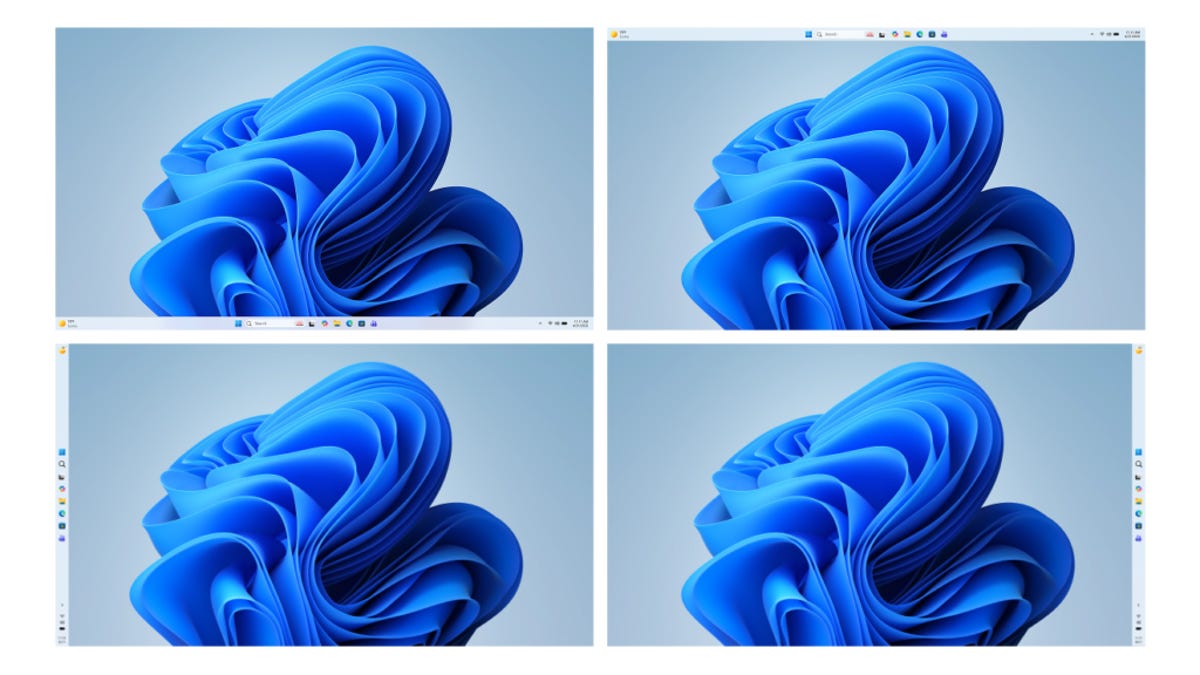
In the Windows Insider Blog on Friday, Microsoft outlined some of the upcoming changes that its Insiders — beta testers — should expect in the next few months. Among them are less intrusive Windows Update operations, improvements to Copilot integration, streamlining of the start menu and taskbar, fewer notifications, a smaller memory footprint, greater stability and more. They’re all welcome — and overdue.
Microsoft plans to be “more intentional about how and where Copilot integrates across Windows, focusing on experiences that are genuinely useful and well‑crafted.”
In addition, widgets will provide information “more intentionally by default, keeping content glanceable and reducing unnecessary interruptions.” The whole point of widgets is to give the user the ability to understand information at a glance and to be nonintrusive. It means you’ll be able to personalize or turn them off more easily and generally reduce the number of notifications.
One of the big performance updates will be a reduction in the operating system’s memory usage, leaving more available for the programs you run. This is huge, not just because Windows is a memory hog, but because for the next couple of years at least, it won’t be practical to simply configure a new system with more memory.
Microsoft says it will increase the allowable interval for an Update pause, make them more predictable and add the ability to restart or shut down without a surprised forced install if you’ve forgotten to postpone. Plus, the company promises fewer automatic restarts and notifications.
I could certainly live without this screen during Windows Setup.
You’ll also be able to skip updates when you’re setting up a device for the first time, which is an interesting change since it’s something most people only do once. But at the very least, it should provide a better out-of-the-box experience for newbies.
That’s also a welcome, if tiny, step forward in making Windows handhelds (like the ROG Xbox Ally X) feel more like gaming devices and less like poorly performing laptops, as is adding support for controller-based navigation to create a PIN during setup and in settings.
Microsoft also promises faster, more consistent and more fluid performance overall, including much more streamlined File Explorer operation. The company says that Bluetooth and USB will provide more stable connections, fewer operating system crashes and more consistent wake-from-sleep behavior.
Read the full article here