


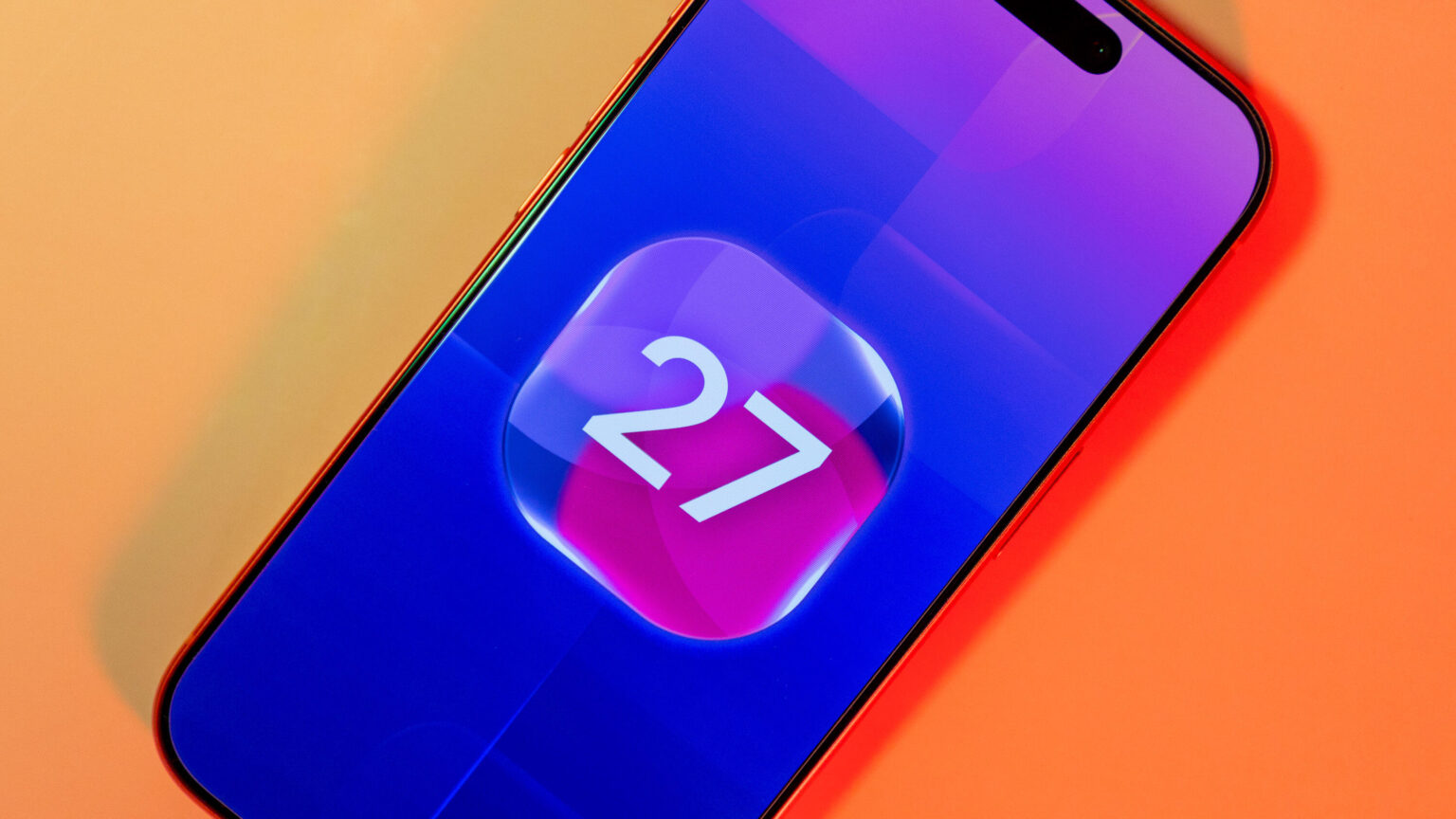
If you frequently get stuck footing the whole bill when you dine out with friends, you might have a new tool that can help: Apple Wallet in iOS 27 can split the bill from a camera image of a receipt.
The feature uses Apple Intelligence to make items on the receipt selectable so you can quickly determine what’s yours (and not yours) and what’s owed. It’s one of several new Wallet features that Apple previewed at its annual software event, WWDC, back in June, that are now rolling out. Those new features include being able to create custom Wallet items from scanned physical cards or from scratch, and view recurring payments if you have an Apple Card.
For iOS 27, Apple also announced new features for developers geared to Apple Wallet, including the ability to make posters for multiticket events and adding order tracking for retail apps using Apple Intelligence.
How to use the new check-splitting feature
New iOS 27 Wallet features include the ability to scan a receipt and then split the bill with others.
Apple/Screenshot by CNET
Before you can take advantage of some of these new Wallet features, you’ll need to make sure your device is using iOS 27.
Receipt splitting in Wallet starts with using the new Siri mode in the Camera app. If you’re pointing your lens at a receipt, a prompt for Split Bill With Apple Cash will come up. You can go through your contacts to search for people you want to split the check with, but they’ll need to be able to pay with Apple Cash.
Apple Wallet will show a list of the items ordered, and you can select from that list, then choose how you want the bill split and how much to tip. Apple Wallet can’t force your friends to pay; it’s not a collection agency.
How to use the new custom Wallet items feature
To add a Wallet item from a business card, or just create a digital Wallet card without one, tap the plus icon at the top to add something new.
You’ll have the option to scan a debit, credit, transit or other type of ID card, or you can choose Create a Pass to work off a business card.
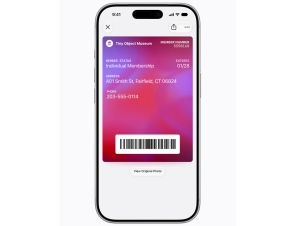
Apple Wallet now allows you to create digital passes from physical cards in iOS 27.
Apple/Screenshot by CNET
CNET Senior Writer and iOS features expert Zachary McAuliffe said this feature has already worked well for him.
“I digitized my gym membership card, and it’s worked great,” McAuliffe said. “I was worried the scanner wouldn’t pick up my iPhone’s screen, but the scanner seemingly picks up my screen better than my old card. I also appreciate how this saves me space on my already crowded keyring.”
Editing the details of a custom Wallet card allows you to either import the contents of a scanned card and edit them, or just enter your own details. Apple Wallet offers a few different templates for custom Wallet items, and you can adjust the color or background. Item details can be edited later if the information changes or you make a mistake. Newer Apple Watch models should be able to pin these custom digital passes using the Smart Stack feature.
To view recurring payments on your Apple Card, just tap on the Card in Wallet and use the three dots on the top right to select it from the menu.
More iOS 27 Wallet features are likely to roll out as Apple continues releasing updates to its new operating system.

See full bio
Read the full article here