
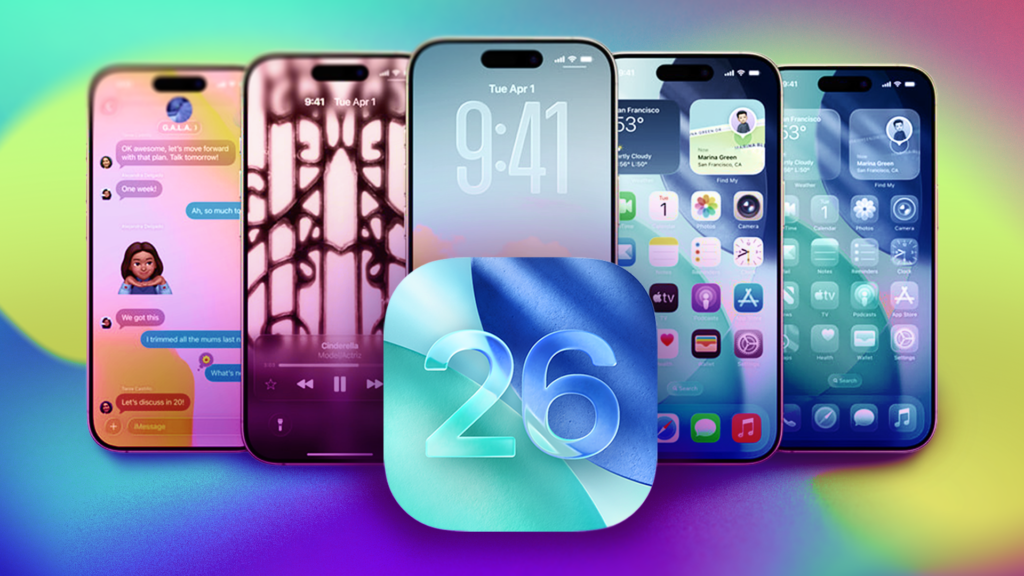
Apple’s iOS 27 betas have brought more customization options to the iPhones of developers and beta testers by allowing those folks to shrink the size of the lock screen’s clock. But before the tech giant releases that update, you should know all the other ways you can customize your lock screen now.
When Apple released iOS 18 back in 2024, you were given the ability to remove or change the controls on your lock screen — a welcome improvement if you’ve ever accidentally turned on your flashlight while pocketing your phone.
With iOS 26, you can move your lock screen widgets, increase the size of your clock and give your lock screen wallpaper a…
Read the full article at CNET.COM