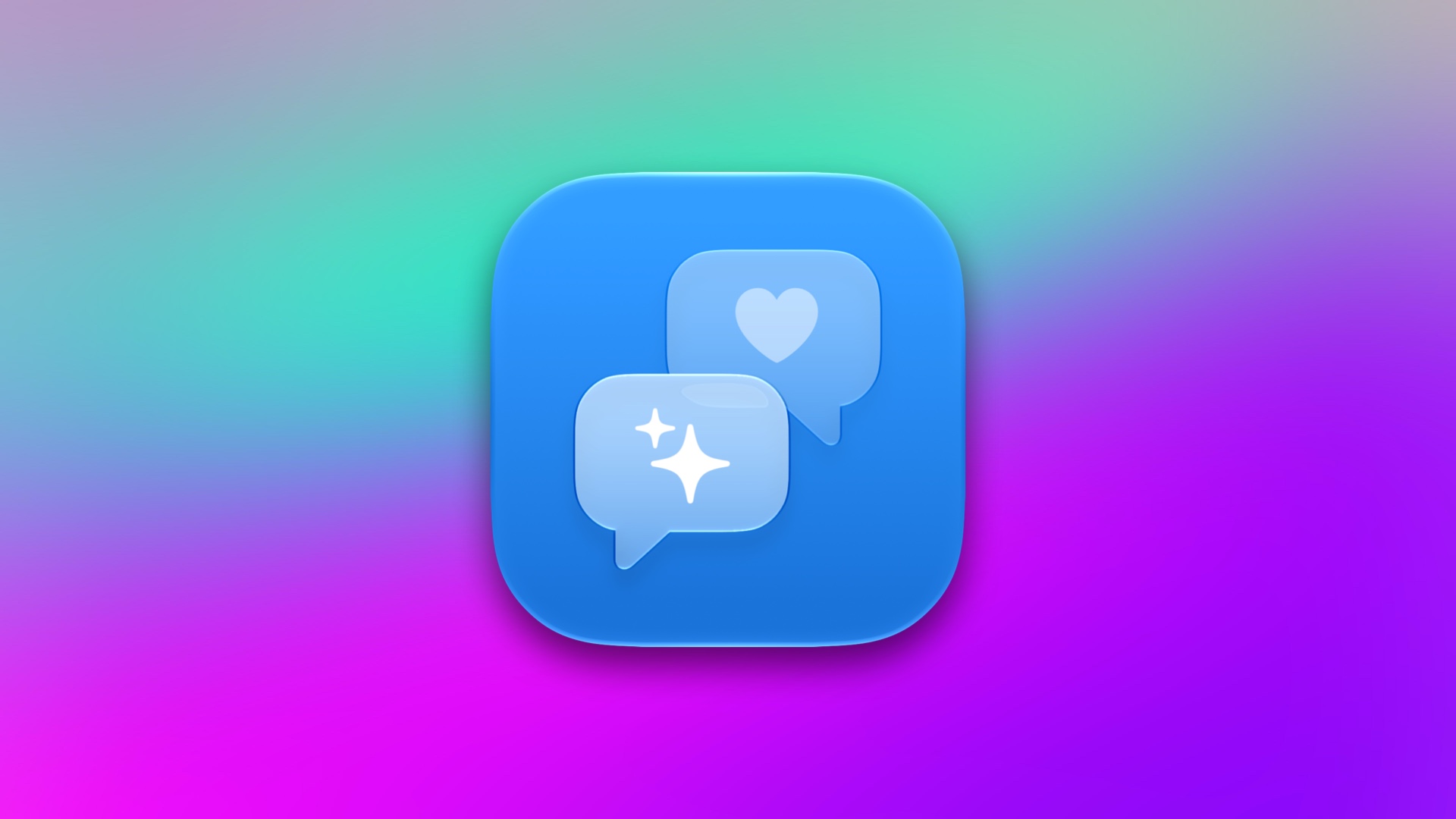

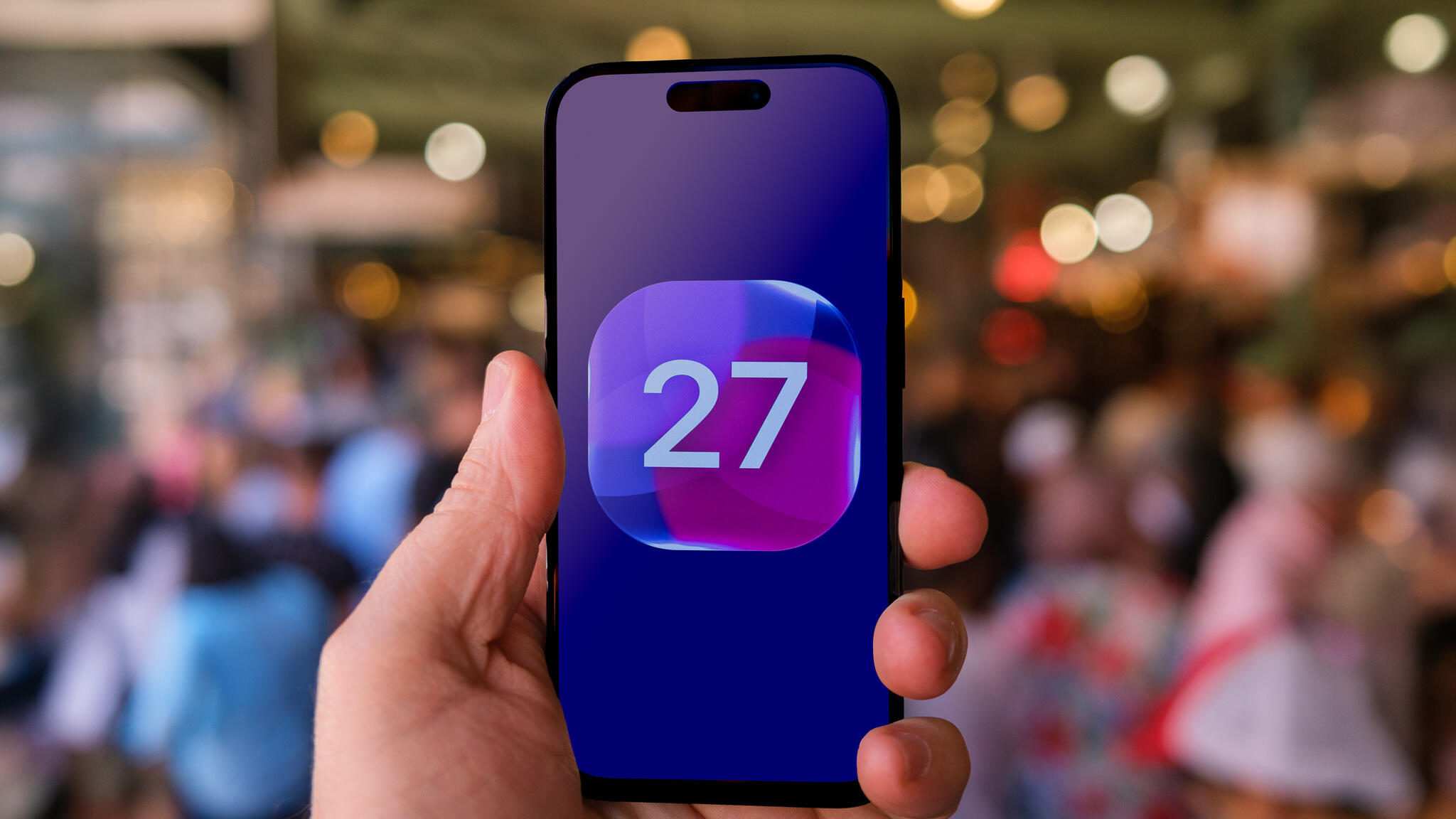
Siri’s saved conversations, automatic subtitles and the heavier Liquid Glass look all come switched on in iOS 27. Here’s how to change each one.
Liquid Glass, Apple’s translucent design language, is front and center in iOS 27, with menus and controls that let your wallpaper and app content show through. If the see-through look makes text harder to read or simply isn’t your taste, a setting in Display & Brightness can tone it down further for you.
That’s one of five iOS 27 defaults worth revisiting, along with how long Siri keeps your conversations, whether those conversations sync across devices, when subtitles appear on videos and how much…
Read the full article at CNET.COM