

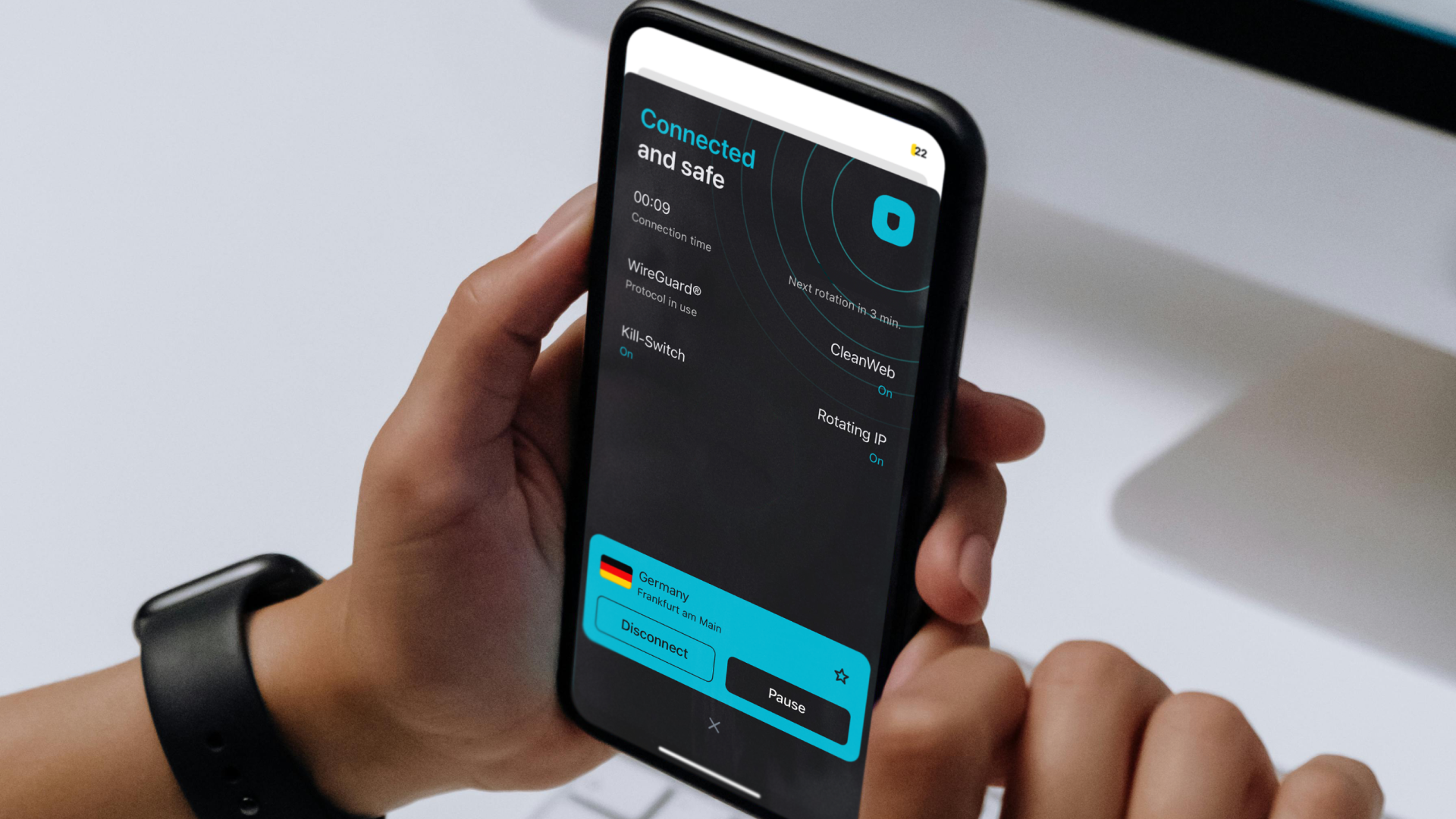
A VPN closes some of the biggest gaps on public Wi-Fi, but not all of them. Here's where Surfshark's protection starts and stops, and how to set it up before your next trip.
Quick Answer: On public Wi-Fi, Surfshark encrypts your traffic so the hotspot operator and other people on the network can’t see what you’re doing, and it hides your IP address. A VPN can’t stop you from opening a phishing link, downloading malware or using a device that’s already compromised, and it can’t protect you on a login page before it connects. Turn on auto-connect and the kill switch so it’s running from the moment you join.
When you’re connecting to the Wi-Fi at…
Read the full article at CNET.COM