
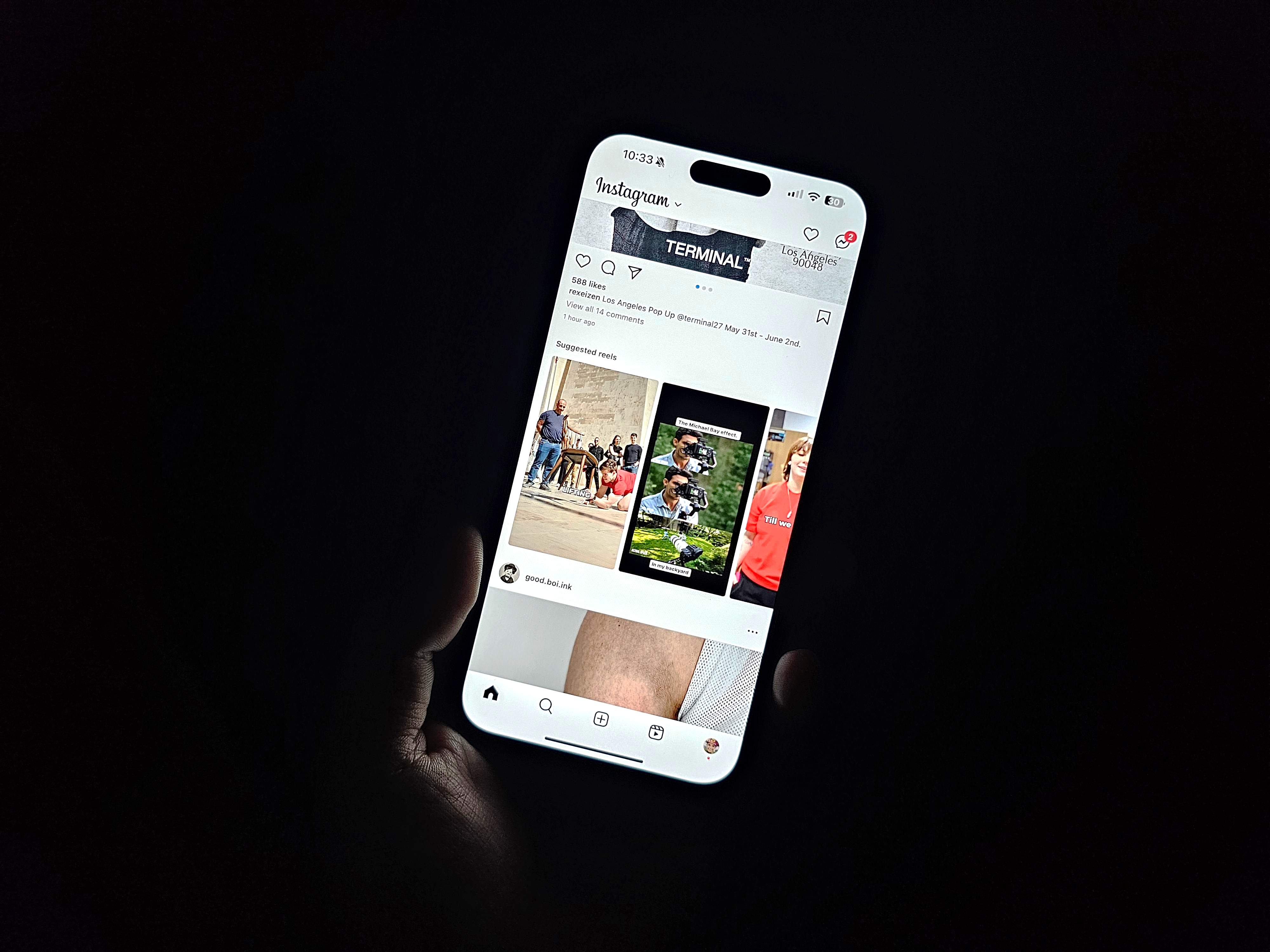
Here's how to find the iPhone's hidden dimming setting, set it up for nighttime, and turn it off just as quickly in the morning.
Spend a lot of time on your iPhone before bed? You may be setting yourself up for some unnecessary blue light exposure at night. Apple designed Reduce White Point as an accessibility feature for people sensitive to bright colors, and it’s also the easiest way to make an iPhone screen darker than its lowest brightness setting. It’s under Display & Text Size in the Accessibility menu, with a slider that controls how much it dims. Assign it to the Accessibility Shortcut, and three quick presses of the side button turn…
Read the full article at CNET.COM