


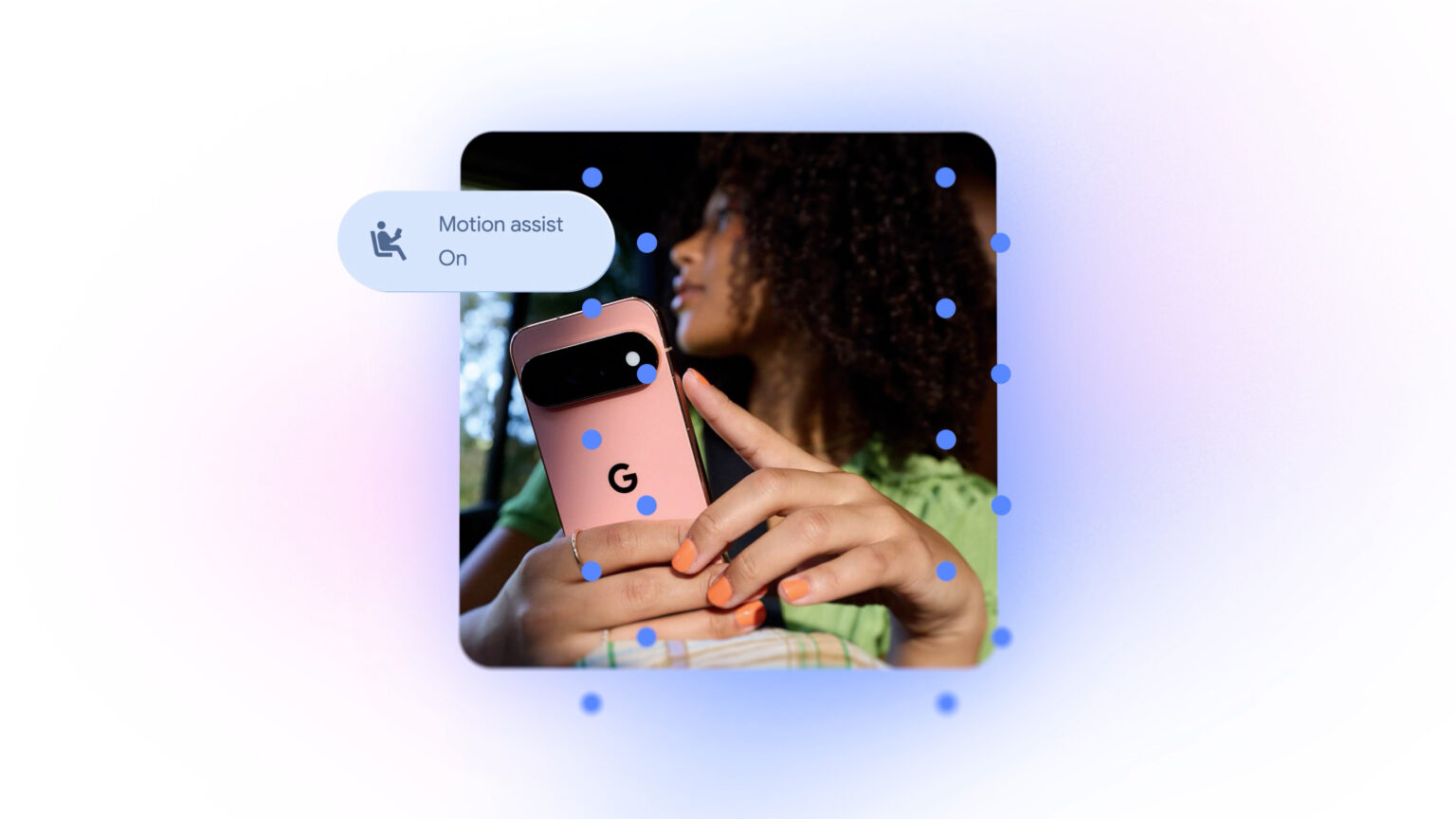
Google on Tuesday rolled out its latest batch of Android updates, with a focus on practical improvements rather than blatantly AI-heavy features.
The new Android phone capabilities will help you keep tabs on your belongings, let you contribute to shared notes within a chat, identify objects around you with your camera and allow you to customize chat themes in Google Messages. A motion sickness feature can also help mitigate the challenges of staring at your screen in a moving vehicle — something I welcome with open arms.
The updates come weeks after Google launched its latest Pixel lineup, including the Pixel 11, 11 Pro and 11 Pro Fold. The phones run Android 17 and come with Gemini Intelligence, a suite of AI features designed to handle mundane tasks such as adding events to your calendar and sharing flight details with loved ones.
Many of those features felt helpful while I tested the Pixel 11 Pro Fold. Rambler, for example, removes filler words and corrects errors as you speak, while Live Translate for media dubs YouTube videos in real time.
This month’s Android update incorporates Gemini into several refreshed capabilities, but emphasizes practical uses, such as remembering where you put your passport or quickly compiling a list with friends. A new accessibility feature also builds on other tools designed to make Android more useful for more people.
Here’s what’s landing on Android devices this month.
Track your important items
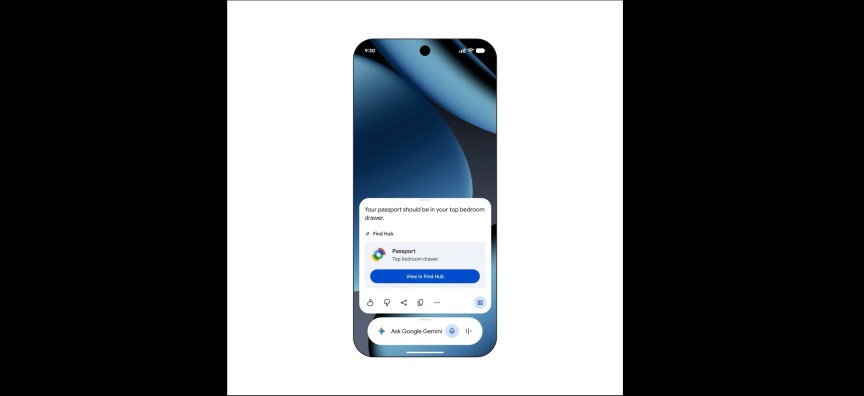
Do you have a tendency to forget where you put items such as your passport or a spare key? You can now ask Gemini to remember where you placed those objects, and it’ll save their locations in Find Hub, Google’s tracking app for people, phones and accessories.
Just say something like, “Hey Google, remember in Find Hub that I put my passport in my bedroom drawer.” You can add a photo, too. When it’s time to track down that item, ask Gemini where it is or check your remembered items tab in Find Hub. This can be handy for smaller or everyday items you don’t put a tracker tag on.
This feature is available on devices running Android 16 and up, where Gemini and Find Hub are supported.
Motion Assist
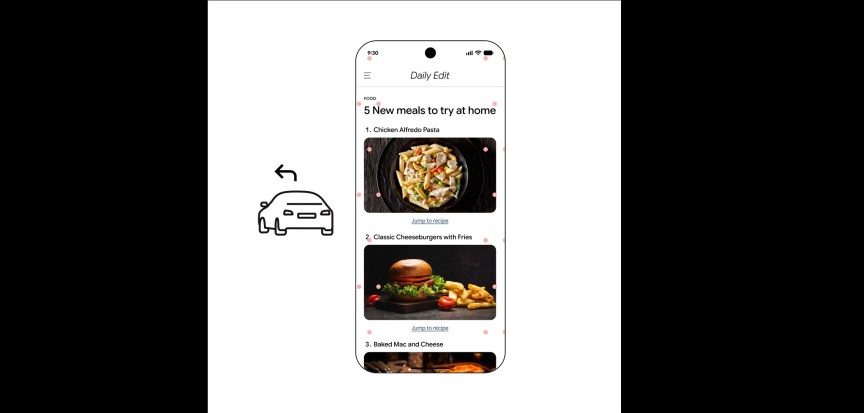
As someone who struggles with car sickness, one of my favorite features that launched on the iPhone with iOS 18 was Vehicle Motion Cues. It’s a layer of moving dots that appears across your screen and changes with the motion of a vehicle. Apple says the feature helps reduce the sensory conflict between what you see and what you feel, making it easier to look at your screen while in a car. I’ve definitely noticed the difference when Vehicle Motion Cues is on; I can scroll or read on my iPhone for longer without feeling nauseous.
At last, a similar feature is coming to Android. Called Motion Assist, this adds a bubble overlay to your phone’s screen that moves as the vehicle does. As Google put it in a blog post, “It’s designed to help bridge the gap between what your eyes see and the movement of your ride.”
You can adjust the shape, color and opacity of the bubbles. You can also set Motion Assist to turn on automatically when you’re in a moving vehicle, and add it to Quick Settings for easy access. Motion Assist is available on phones running Android 17.
Create and edit shared notes in a chat
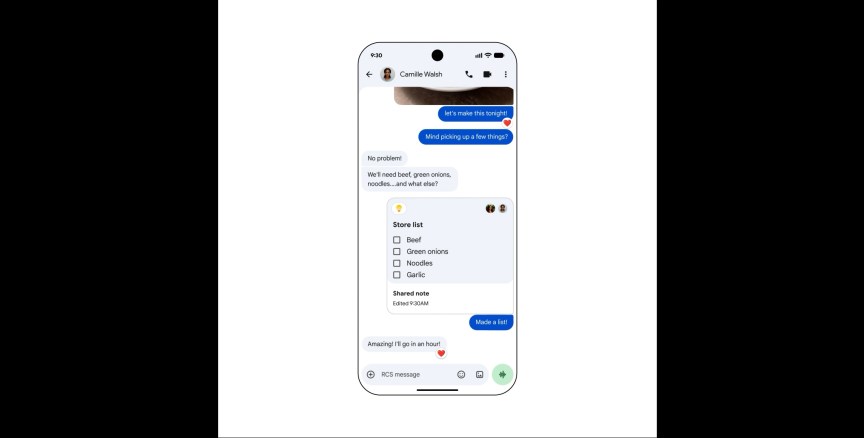
Now, you can share and update a Google Keep note or list with friends within a chat — no need to switch apps to make an edit. That way, if you’re planning a trip or making a grocery list, it’s easier for everyone to contribute right within Google Messages.
Tap the plus (+) icon in Google Messages to add Google Keep to the conversation.
Chat themes in Google Messages
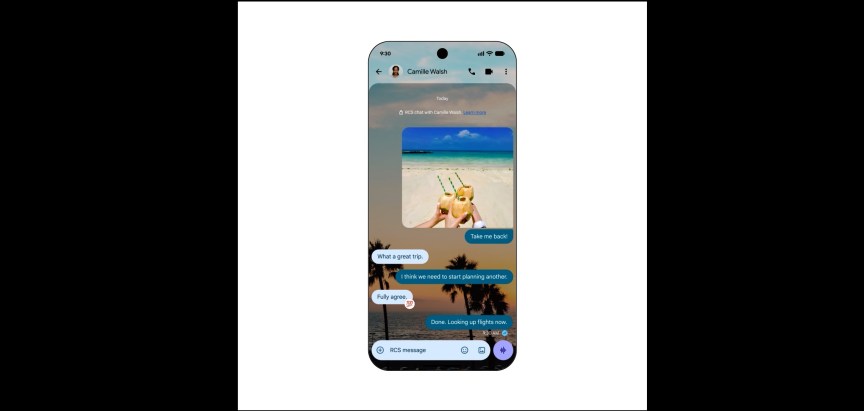
Speaking of Google Messages updates, you can now customize each chat with different backgrounds and colors. You can choose a wallpaper or your own photo for the background, and the text bubbles will automatically match that theme — or you can choose a different hue altogether.
Guided Vision
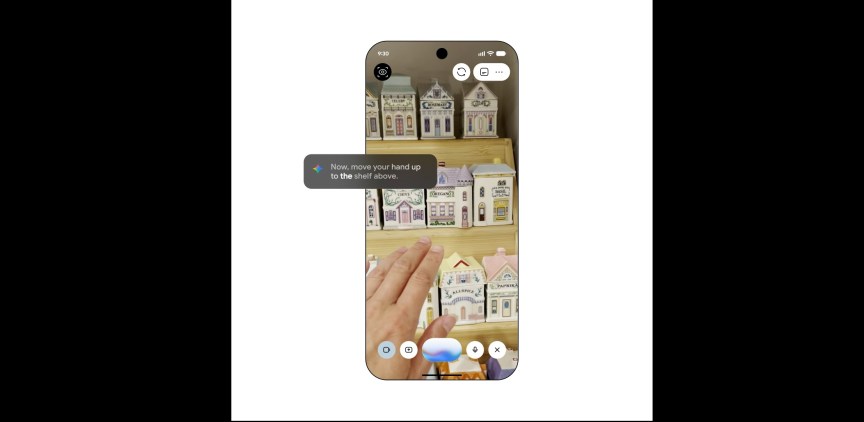
By sharing your camera in Gemini Live, you can get descriptions of your surroundings. Gemini Live is part of the Gemini app, and lets you have a more in-depth, back-and-forth conversation with Google’s AI.
The new capability, called Guided Vision, can assist with reading fine print on a food label or ordering from a menu in a dimly lit restaurant. It can also help you identify something on your shelf or locate objects around the house. If an object isn’t aligned with the camera, voice feedback will help you reframe to better identify it. This feature can be especially helpful for people who are blind or have low vision. But, as is true with all accessibility features, anyone can benefit.
This is Google’s latest visual intelligence feature catered toward accessibility, following apps such as Lookout, which similarly helps people who are blind or low-vision identify objects and read documents, and which uses AI to generate detailed image descriptions. Guided Frame, which launched on the Pixel 7, is also designed to make it easier for people who are blind or low-vision to frame shots by using audio and haptic cues.
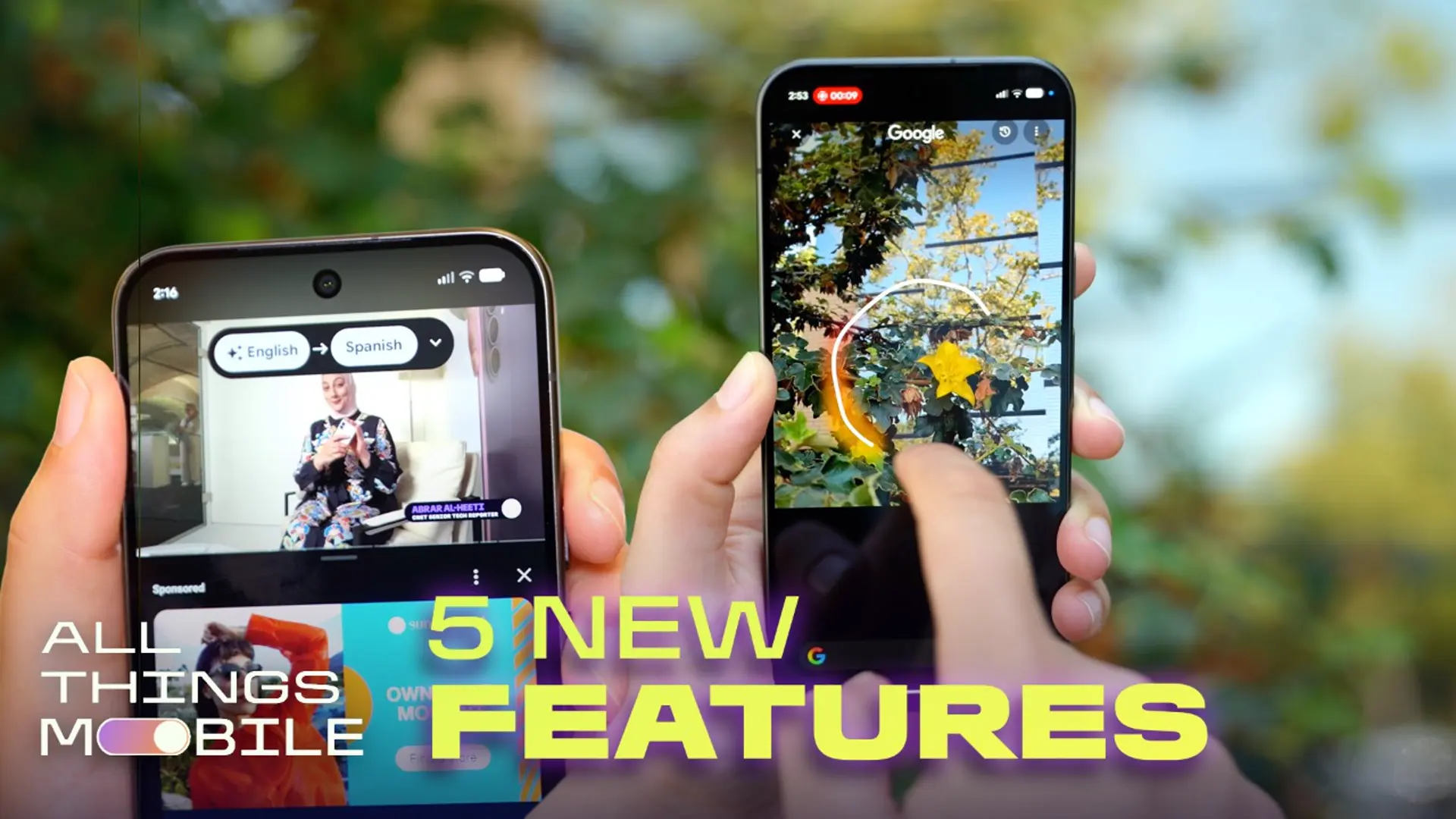
On the iPhone, features such as Live Recognition and Magnifier also use the camera to respectively describe someone’s surroundings and show information using large, high-contrast text.
On Android, you can launch Guided Vision from the TalkBack menu, or add it to your Accessibility shortcuts. The capability is coming soon to phones running Android 9 and up, in countries where Gemini is available.

See full bio
Read the full article here