


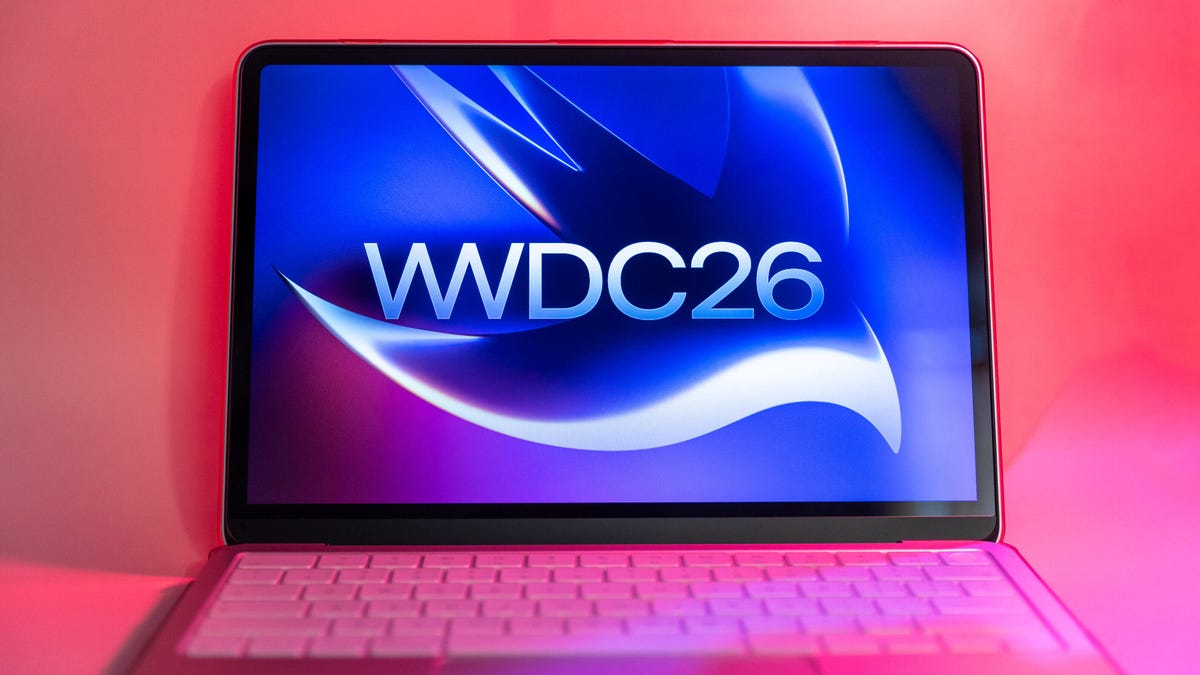
Apple’s annual developers conference, WWDC 2026, kicks off on Monday. Tim Cook will deliver his last WWDC keynote as Apple CEO, where he’s expected to share previews of the next versions of the company’s various software platforms. Likely to take center stage is iOS 27, but we will also get a glimpse at MacOS 27, which will arrive alongside its mobile sibling in a few months.
The usual cycle is this: a preview and developer beta in June at WWDC, followed by a public beta in July before the official version launches in September. MacOS 27 is expected to focus more on performance and stability improvements than introducing a drastic design shift or a bevy of new features. That said, it appears the next version of MacOS will look and act a bit differently than last year’s MacOS 26 Tahoe.
Check out what could be coming to your Mac this fall, and find out if your current Mac will be able to run the update.
Watch this: Siri’s Google Brain: What to Expect at WWDC 2026
Buh-bye Intel
Before we get to potential design tweaks and new capabilities, let’s start with hardware support for MacOS 27. It will mark the end of the road for Intel-based Macs. Basically, if you have a prepandemic Mac, it’s not making the leap to MacOS 27 and will need to stay on MacOS 26 Tahoe.
It’s not all bad news if you’d like to squeeze out another year or two of your Intel Mac: Apple will continue to issue security updates to Intel-based Macs for three more years.
The following Macs that can currently run MacOS 26 Tahoe will not support MacOS 27:
- 13-inch MacBook Pro (2020, four Thunderbolt 3 ports)
- 16-inch MacBook Pro (2019)
- 27-inch iMac (2020)
- Mac Pro (2019)
If you have a Mac with Apple silicon and use Rosetta 2 to run x86 apps built for Intel chips, you should know that Rosetta 2 support is ending soon. It isn’t going away this year, but MacOS 27 will be the last version to support Rosetta 2.
Macs with Apple’s M-series chips will be able to update to MacOS 27, from the M1 and onward, including the A18 Pro-based MacBook Neo.
Powered by an A18 Pro chipset, the MacBook Neo will be able to run MacOS 27 along with any MacBook with an Apple M-series chip.
Smarter Siri
AI dominates every tech event, and WWDC 2026 will be no different. Apple Intelligence is almost assured a starring role, the thrust of which will be a smarter version of Siri for iOS 27. This new Siri is expected to get its own standalone chatbot app and act more like ChatGPT. And what the iPhone gets with Siri, Macs will get, too.
Instead of only answering simple questions and performing basic tasks, the new Siri will reportedly be able to search the web and analyze the content on your screen and apps to perform more complex workflows. And do so in a more conversational tone where it understands context and pronouns. The new Siri will be able to access your data stored in Mail, Messages, Photos, Notes, Contacts, Calendar and Reminders to summarize information and assist in other ways. It’s also expected to be able to generate images.
The revamped Siri will use Apple Intelligence to handle many queries on-device, but will rely on the cloud and Google Gemini for more complicated requests. Given the head start that ChatGPT, Claude and Gemini itself have enjoyed over Siri, Apple faces an uphill battle to convince Mac users to drop their go-to AI chatbot in favor of Siri.
A revamped version of Siri is coming to iPhones and Macs this fall.
Liquid Glass polish
Apple unveiled the Liquid Glass design last year. It was a major departure, and not everyone is a fan. I find the reflections and blurred opacity distracting, especially when elements overlap, but I have grown used to it on my iPhone, Apple Watch and MacBook. Or maybe I’ve just gotten better at ignoring it.
With iOS 26.2, Apple added a slider that lets you adjust the opacity of the lock screen’s clock between Glass and Solid. Perhaps we’ll get a similar transparency control slider for elements in MacOS. If you’re into the glassy look, you could dial it up. And if you want text and icons to be more legible, you could scale back the translucent effects for a more solidly opaque look.
Apple might also clean up the overall Liquid Glass look with sharper edges and clearer contrast, so things don’t look so blurry when elements overlap.
Touch support hints
There have been whispers for months that Apple is working on a touchscreen OLED MacBook Pro that could arrive as early as this fall. If we ‘e getting close to seeing a MacBook with touch support, then Apple must be working on a touch-enabled version of MacOS.
Since WWDC is geared toward software developers, it’s highly unlikely that we’ll see any new MacBooks next week. And it’s equally unlikely that Apple will share details of touch support in MacOS before it’s ready to show off the touchscreen MacBook itself. But could we see hints of touch friendliness in MacOS 27? Probably not, but it’ll be fun to try to sleuth out changes in the design and figure out what MacOS with a touchscreen might look like.
Read the full article here